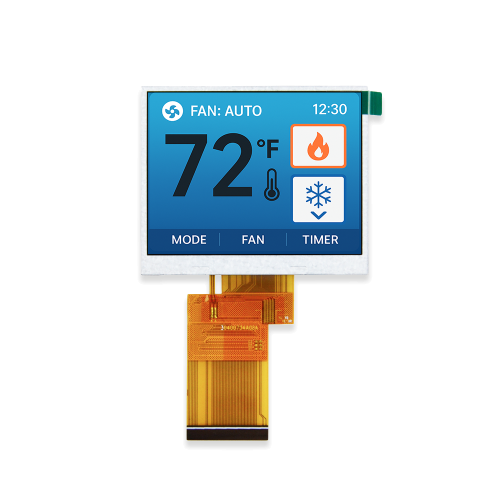
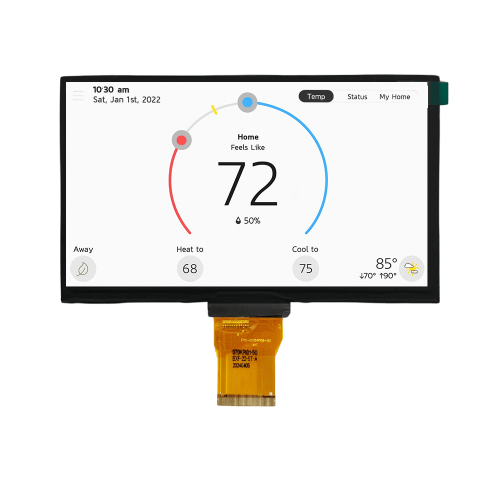
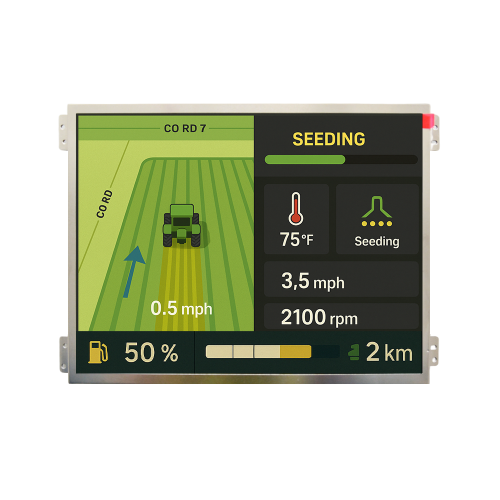
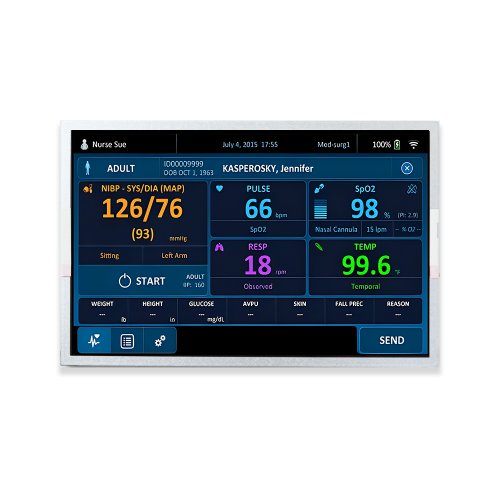




Industrial HMI
Industrial displays often show fixed buttons, machine parameters and alarm areas continuously. Dynamic UI, dimming and long-duration validation should be considered early in development.
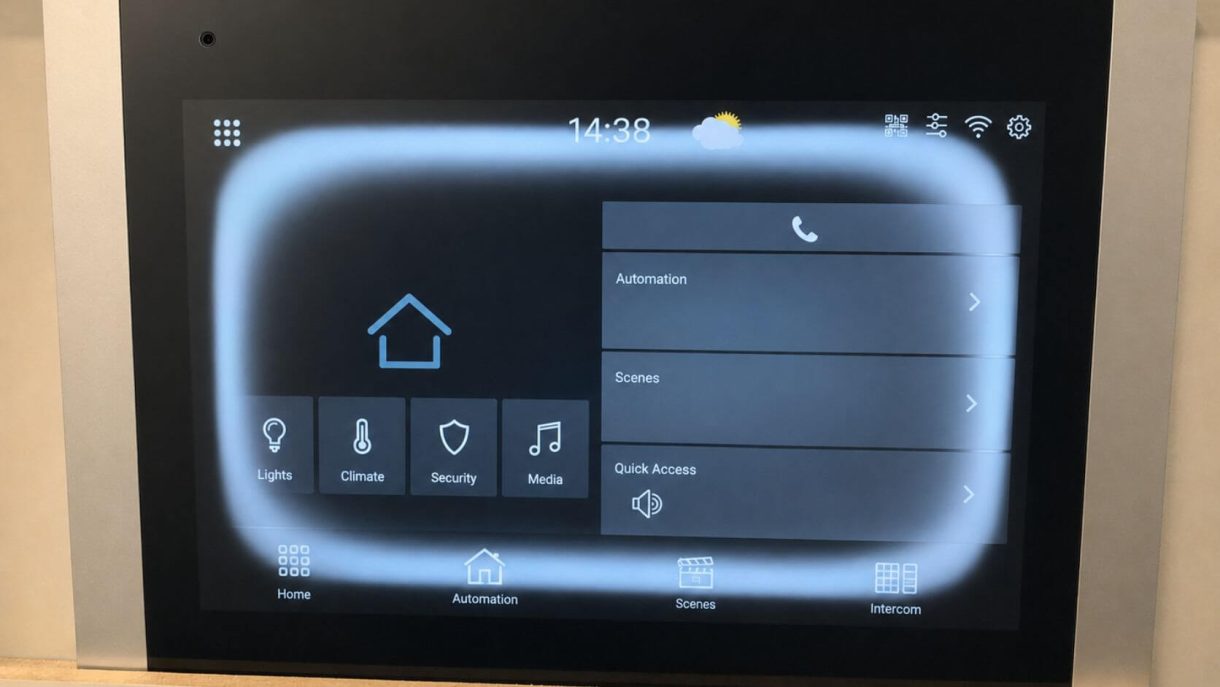
Yes, LCD screens can show burn-in-like marks after displaying static content for extended periods. However, on most TFT LCD displays, the issue is more accurately described as image retention or image sticking rather than the permanent pixel aging commonly associated with OLED burn-in.
Static high-contrast graphics, long operating hours, high brightness, elevated temperature and fixed user interfaces can increase the risk of visible image retention. Temporary retention may gradually fade after the content changes or the display is powered off, while persistent marks require further panel- or system-level diagnosis.
For industrial LCD display applications operating with fixed menus, dashboards or 24/7 interfaces, image retention should therefore be considered during LCD selection, UI design, brightness control, thermal management and reliability validation.
LCD burn-in is a common term used to describe a faint residual image that remains visible after static content has been displayed for a long period.
On TFT LCDs, this phenomenon is usually called image retention or image sticking.
A typical example is an industrial HMI that continuously displays the same navigation bar, logo, status icons or control buttons. After switching to another screen, a faint outline of the previous interface may still be visible, especially against gray, white or uniform backgrounds.
Unlike OLED displays, TFT LCD pixels do not generate light individually. An LCD module uses liquid crystal cells to control light from the backlight. Because the display technologies work differently, the mechanisms behind OLED burn-in and LCD image retention are also different.
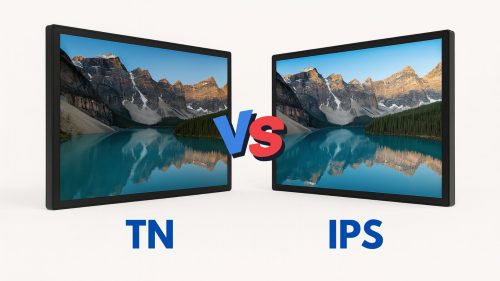
For engineers evaluating display mode, viewing angle or panel structure, see our TFT LCD Technology Guide.
Yes. LCD screens can develop visible image retention when static content remains in the same position for extended periods, particularly under demanding operating conditions.
The risk can increase when several conditions occur together:
In many cases, mild image retention is temporary and becomes less visible after changing the displayed content or allowing the LCD to rest.
Persistent marks that do not improve should be investigated further because the visible symptom may involve the LCD cell, driving conditions, thermal stress or another display-related defect.
For continuous-use equipment, selecting the correct industrial TFT LCD module is only one part of the solution. Operating profile, software behavior and environmental conditions should also be reviewed.
The terms burn-in, image retention and image sticking are often used interchangeably, but they do not always describe the same mechanism.
| Issue | TFT LCD | OLED |
|---|---|---|
| Common visible symptom | Ghost or residual image | Persistent previous image |
| Typical cause | Static content, temperature and driving conditions | Uneven aging of emissive pixels |
| Recovery | Often possible when retention is temporary | Usually difficult or impossible when permanent |
| High-brightness impact | Mainly related to heat, operating conditions and backlight stress | Can accelerate pixel aging |
| Static UI risk | Possible | Generally higher |
| Engineering focus | UI design, brightness, temperature and validation | Pixel aging and content management |
For TFT LCD projects, the important question is therefore not simply whether LCD burn-in exists, but whether application conditions are likely to create temporary or persistent image retention.
LCD image retention is rarely caused by a single parameter. In industrial systems, it is often the combined result of static content, long operating time, brightness settings and temperature.
Static UI elements are one of the most common risk factors. Company logos, navigation bars, status icons, control buttons, menu borders and measurement grids may remain unchanged for many hours.
This is particularly relevant to industrial HMI applications, where interfaces may remain active for an entire production shift or operate continuously.
High brightness does not automatically cause LCD burn-in, but continuously operating a display at unnecessary maximum brightness can increase thermal load and backlight stress.
Outdoor equipment often requires a high brightness TFT LCD for sunlight readability. Brightness should be matched to the actual environment rather than fixed permanently at maximum output.
Elevated temperature can affect liquid crystal behavior, polarizers, backlight components and overall display stability. Applications exposed to sunlight, enclosed housings or internal heat sources require particular attention to thermal design.
For outdoor equipment, display selection should consider not only brightness but the complete operating environment. See MAXEN's Outdoor TFT Display options for applications requiring sunlight readability and demanding environmental performance.
LCD modules used for 24/7 equipment spend much more time displaying the same interface than ordinary consumer displays. Factory HMIs, monitoring equipment, medical terminals, EV chargers, access-control terminals and outdoor kiosks are common examples.
Continuous operation does not necessarily mean image retention will occur, but it increases the importance of UI management, brightness control and validation testing.
Incorrect voltages, unstable signals, unsuitable initialization, timing problems or abnormal driver conditions can create display symptoms that may be mistaken for burn-in.
When persistent image problems appear during prototype development, engineers should review both the panel and host system rather than assuming the LCD itself is defective.
LCD burn-in is not always permanent. Many cases are temporary image retention, but persistent marks can occur depending on severity, operating conditions and display condition.
Persistent marks should not automatically be classified as burn-in. A proper failure analysis should first exclude other LCD, backlight, optical or mechanical defects.
Not every visible mark on an LCD is image retention.
| Visible Symptom | Possible Cause |
|---|---|
| Previous image remains after content changes | Image retention / image sticking |
| Local white or bright spot | Backlight, pressure, LCD cell or assembly issue |
| Dark area | Backlight, FPC, driver or panel issue |
| Uneven brightness | Backlight or optical film uniformity |
| Yellow or dark edge | Thermal aging, polarizer or backlight aging |
| Local pressure mark | Mechanical design or assembly stress |
| Bubbles or optical distortion | Bonding or assembly process |
Correct diagnosis is important because fixing image retention is very different from addressing a backlight, bonding or mechanical problem.
If an LCD shows a faint residual image, start with simple recovery steps before replacing the panel.
Replace the static interface with moving or frequently changing images. Full-screen video or alternating patterns can help determine whether the symptom is temporary.
A uniform gray screen makes residual images easier to identify and can be useful during diagnosis.
If the display is operating at maximum brightness, reduce the backlight level where the application allows.
Allowing the module to remain powered off for a period may help temporary image retention fade.
Inspect LCD driving conditions, power supply, interface signals, FPC, connector, backlight, temperature, mechanical pressure and optical structure.
If panel-level diagnosis confirms irreversible damage, LCD replacement may be required. The root cause should still be identified before mass replacement.
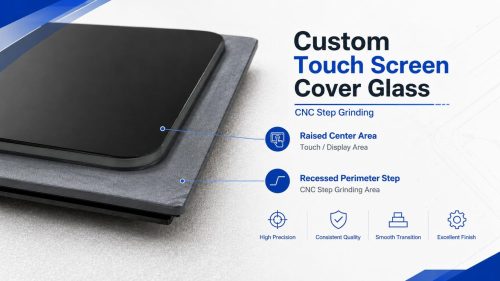
For modules integrated with cover glass or touch panels, optical bonding and mechanical assembly should also be reviewed when diagnosing optical defects.
Preventing image retention during product design is more effective than dealing with field complaints after mass production.
Avoid leaving high-contrast content permanently in the same position. Slightly moving icons, rotating standby screens, refreshing status areas and reducing fixed borders can help reduce long-term static loading.
Use auto dimming, sleep mode, standby mode, backlight shutdown, low-brightness idle mode, touch-to-wake or day/night profiles when the display does not need to remain fully illuminated.
Do not use maximum backlight brightness continuously unless the application requires it. Automatic brightness control can support both readability and long-term system reliability.
Thermal design becomes increasingly important in outdoor terminals, sealed equipment, EV charging systems, marine displays, vehicle dashboards and high-brightness LCD systems.
For applications expected to display fixed interfaces for long periods, perform application-specific image retention testing before production release. Testing can include static UI operation, elevated temperature, maximum brightness, long-duration display testing, recovery observation and gray-screen inspection.
Industrial displays often show fixed buttons, machine parameters and alarm areas continuously. Dynamic UI, dimming and long-duration validation should be considered early in development.
Medical display applications may show fixed menus, measurement grids and monitoring interfaces for extended periods. Long-term visual consistency should be evaluated together with brightness and viewing angle.
Electric vehicle display systems combine long operating hours, high ambient light, static menus and temperature variation, requiring coordinated LCD, UI and thermal design.
Marine LCD applications may operate under strong sunlight, high humidity and continuous navigation interfaces, making environmental reliability especially important.
For projects requiring changes to brightness, interface, FPC, operating temperature, cover glass, bonding or mechanical structure, review MAXEN's Display & Touch Customization capabilities.
LCD selection for long-hour or static-UI applications should consider operating time, UI behavior, brightness, temperature and validation requirements together. The following decision process provides a practical reference for early project evaluation.

For indoor HMI and embedded equipment, start with our Industrial LCD Display range. For sunlight-readable applications, compare available High Brightness TFT LCD options.
For outdoor terminals and systems exposed to strong ambient light, review Outdoor TFT Display solutions.
Where a standard module cannot meet mechanical, optical or electrical requirements, MAXEN can evaluate a custom LCD display based on the actual operating environment and system requirements.
Yes. LCD screens can show burn-in-like residual images after displaying static content for long periods. On TFT LCDs, this is usually referred to as image retention or image sticking rather than OLED-style permanent pixel burn-in.
Not always. Mild LCD image retention may fade after the content changes, brightness is reduced or the display is powered off. Persistent marks should be investigated for panel damage, electrical issues, thermal stress or other display defects.
Common contributing factors include long-term static content, fixed high-contrast graphics, continuous operation, high brightness, elevated temperature and unsuitable electrical driving conditions.
Yes. IPS TFT LCDs can experience image retention when static content remains on screen for extended periods. IPS technology improves viewing angle and image performance but does not completely eliminate image-retention risk.
If the issue is temporary image retention, changing to dynamic content, reducing brightness, displaying neutral content and powering the screen off may help. If the mark remains unchanged, panel- and system-level diagnosis is recommended.
Industrial systems can reduce image-retention risk through dynamic UI design, screen sleep, backlight dimming, automatic brightness adjustment, temperature control and application-specific static-image validation before mass production.
MAXEN can evaluate LCD specifications, brightness, operating temperature, interface, mechanical structure and reliability requirements based on your actual application conditions.
Discuss Your LCD Project




+86-13923461826