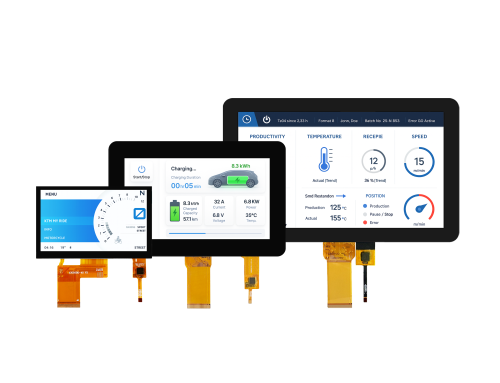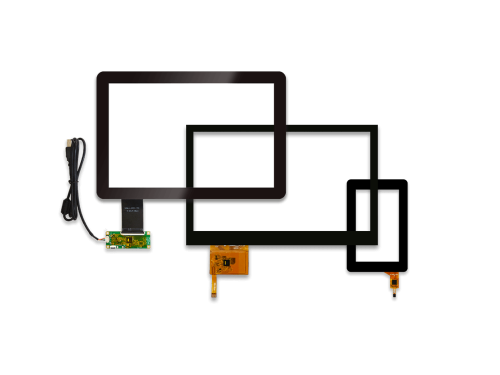
In industrial HMIs, EV chargers, access control systems, and biometric terminals, engineers selecting projected capacitive touchscreens (PCAP) often face a recurring question beyond display size, resolution, interface, and brightness:
Is surface treatment necessary for every project? What surface treatment should be applied to the cover glass—AG, AR, or AF? Which option is most suitable, and can multiple treatments be combined?
This article provides a practical comparison of AG (Anti-Glare), AR (Anti-Reflection), and AF (Anti-Fingerprint) treatments, together with selection guidance for common application scenarios. It can help engineers make faster, more confident decisions during project kick-off and sample evaluation.
| Treatment | Main Purpose | Suitable Applications |
|---|---|---|
| AG — Anti-Glare | Reduces glare by diffusing reflected light | Outdoor displays, industrial HMIs |
| AR — Anti-Reflection | Reduces surface reflection while keeping the image clear | Medical devices, precision instruments |
| AF — Anti-Fingerprint | Reduces fingerprints and makes cleaning easier | Kiosks, control panels, frequent-touch devices |
AG / AR / AF coatings are applied on the cover glass of the PCAP touchscreen to improve these aspects and enhance overall HMI performance.
AG stands for anti-glare.
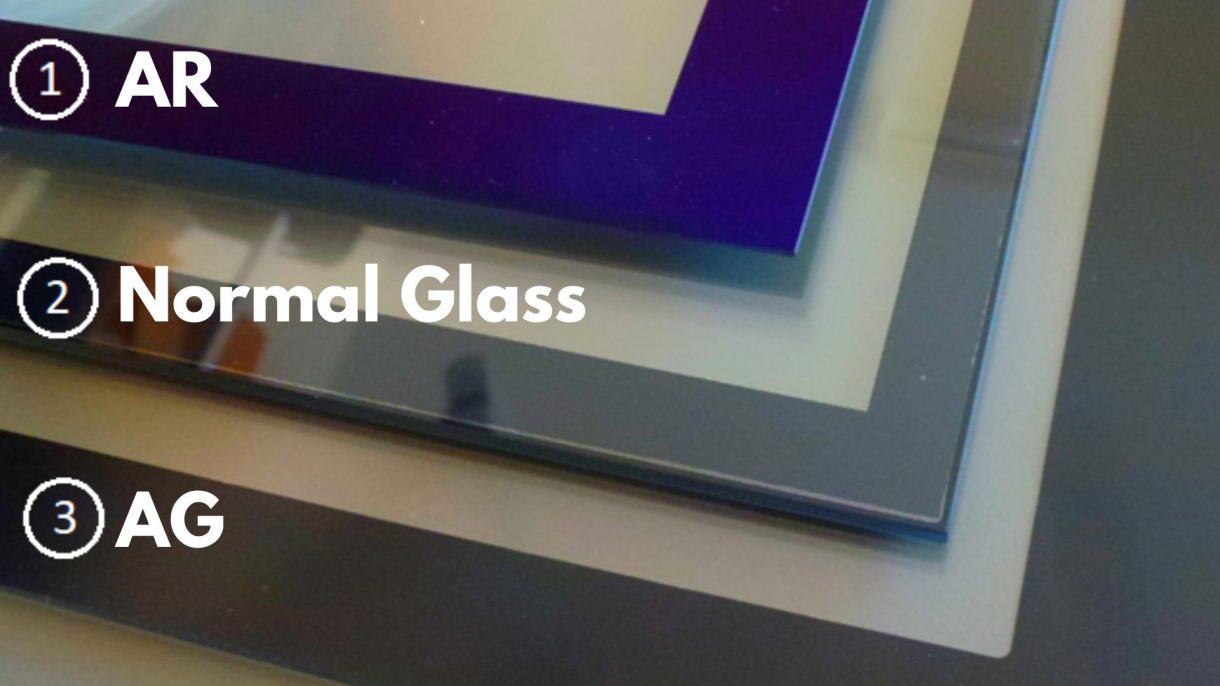
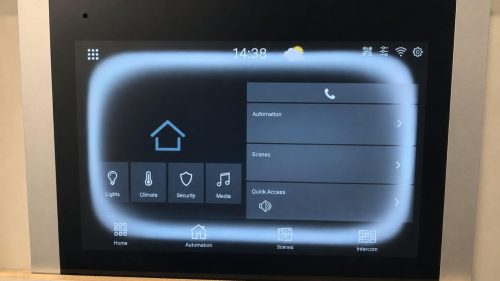
An AG treatment creates a fine matte texture on the touchscreen surface. Instead of reflecting light directly like a mirror, the surface diffuses the reflected light in different directions. This makes bright lamps, windows and surrounding objects less visible on the screen.
Engineers often choose AG glass for factory touchscreens, outdoor terminals, control panels, and other displays operating under strong ambient light.
For example, an operator using an industrial HMI under overhead lighting may find it difficult to read a glossy screen. An AG surface can reduce distracting reflections and make the information easier to view.
However, stronger AG treatment is not always better. A very high haze level may slightly reduce image sharpness or create a fine grainy appearance, especially on white backgrounds and small text.
Select the AG level according to:
For projects requiring a custom shape, thickness, printing, or AG processing, MAXEN can integrate the selected treatment into the touchscreen cover glass design.
AG is commonly suitable for:
AR stands for anti-reflection.
Unlike AG, which scatters reflected light, an AR coating is designed to reduce the amount of light reflected from the glass surface. This helps the touchscreen maintain a clearer and more transparent appearance.
AR treatment is especially useful when image detail is important. Medical instruments, laboratory equipment and measurement systems may display small text, waveforms, charts or detailed operating data. In these applications, the screen should reduce reflection without creating too much surface haze.
An anti-reflection glass surface may also provide a cleaner and more premium visual effect than heavily textured AG glass.
The main consideration is that AR coating normally requires more complex processing. Depending on the coating design and viewing angle, a slight blue, green or purple reflection may sometimes be visible.
AR is commonly suitable for:
For projects where readability, wide viewing angles and frequent cleaning are important, AR can be evaluated together with MAXEN's medical LCD display solutions.
AF stands for anti-fingerprint. It may also be described as anti-smudge, oleophobic or easy-clean coating.
An AF coating reduces the adhesion of fingerprints, skin oil and water marks. It does not make fingerprints disappear completely, but it makes them less visible and easier to wipe away.
AF treatment can also reduce surface friction, helping a finger move more smoothly across the touchscreen during repeated operation.
This makes an AF coating a practical option for equipment that is touched frequently throughout the day.
Imagine a self-service kiosk in a public area. Even if the screen is bright and responsive, visible fingerprints can quickly make it look dirty. Adding AF treatment helps maintain a cleaner interface and reduces daily cleaning effort.
AF is commonly suitable for:
AF performance may gradually decrease after long-term abrasion or repeated cleaning. The cleaning method and chemicals used on the finished equipment should therefore be considered during development.
Still unsure which option to choose? Start with the main challenge in your application.
Industrial HMIs often operate under strong overhead lighting and receive frequent touch input throughout the day.
A low- or medium-haze AG treatment can reduce glare, while AF helps maintain a cleaner surface.
Recommended starting point: AG + AF
For a complete PCAP solution, MAXEN can integrate the cover glass, touch sensor, controller, and interface into a custom touchscreen system.
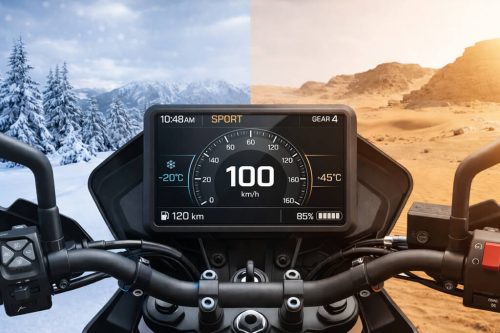
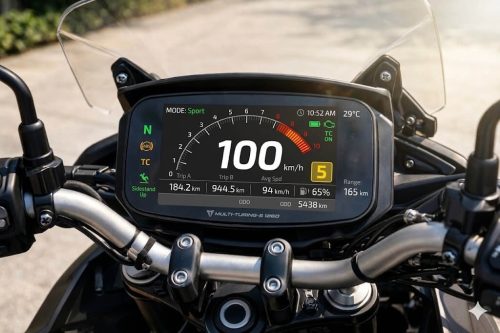
Outdoor touchscreens must remain readable under sunlight and changing weather conditions. Reflection from the outer glass and internal display layers may both affect visibility.
AG + AF provides a practical starting point for many outdoor projects. Projects that require stronger readability can combine surface treatment with a high-brightness outdoor TFT display and optical bonding.
Recommended starting point: AG + AF
Medical and laboratory interfaces often display detailed information and require regular cleaning.
AR can reduce reflection while maintaining image clarity, and AF can make the surface easier to clean.
Recommended starting point: AR + AF
These devices may be touched by many users every day. Fingerprints and cleaning convenience are therefore major concerns.
For indoor installations, AF may be sufficient. For entrances, windows or outdoor locations, AG + AF may provide a more balanced solution.
Recommended starting point: AF or AG + AF
AG, AR and AF treatments are mainly applied to the outer surface of the cover glass.
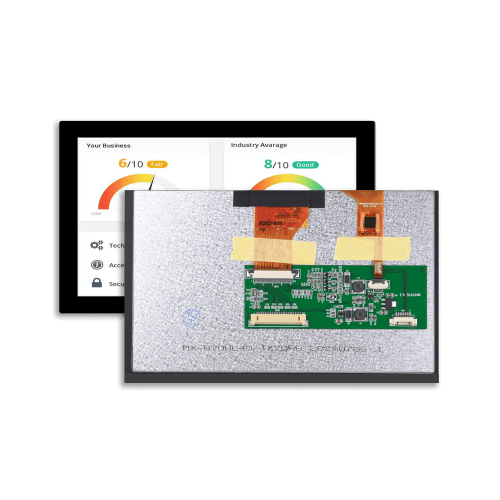
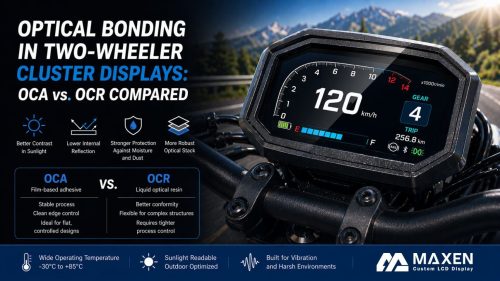
Optical bonding, on the other hand, uses OCA or OCR material to bond the touchscreen or cover glass directly to the TFT LCD. This reduces the internal air gap and can improve contrast, outdoor readability and structural integration.
They are not competing technologies.
For example, an outdoor touch display may combine:
The surface treatment manages the outer viewing and touch experience, while optical bonding improves the internal display structure.
MAXEN provides customized projected capacitive touchscreen technology and complete display-touch integration for industrial, medical, outdoor and smart equipment projects.
Available customization options include:
Instead of selecting a surface treatment as an isolated component, MAXEN can evaluate it together with the TFT LCD brightness, PCAP structure, cover glass design, bonding method and final application environment.
AG glass diffuses reflected light and creates a matte surface. AR glass reduces the amount of light reflected from the surface while maintaining a clearer appearance.
Yes. AG + AF is commonly used for industrial HMIs, outdoor terminals, EV charging equipment and other frequently operated touchscreens.
AG may slightly reduce perceived sharpness, especially when the haze level is high. The treatment should be selected according to the display resolution, font size and viewing environment.
No. AF coating reduces the adhesion and visibility of fingerprints and makes the screen easier to clean, but it cannot completely prevent fingerprint marks.
Standard surface treatments normally have limited direct influence on PCAP operation. However, the complete structure—including cover glass thickness, bonding, touch controller and operating environment—should still be evaluated together.




+86-13923461826